The Challenge
A medium-sized company manually created dozens of work orders every day: order data was copied out of the ERP, typed into Word templates, printed, and physically handed over to production. Every step was manual — prone to typos, version conflicts, and forgotten tasks. The result: roughly 10 minutes of admin work per work order, unclear priorities, and employees spending valuable time on paper logistics instead of productive work. In total, more than 2 hours of productive capacity were lost every day through this single process alone.
Management Summary
30-second overview for decision makers
Starting Point
Work orders were manually copied from the ERP into Word templates, printed, and physically handed to production — around 10 minutes per order with a corresponding error rate.
Action Taken
In 1.5 weeks, a fully automated workflow was built that reads ERP data directly, creates tasks by rule, and assigns them digitally — initially with manual approval (human-in-the-loop), then fully automated after the rollout phase.
Result
10 minutes saved per work order every day, error rate in handover significantly reduced, and no order is lost through manual transcription anymore.
Recommendation
Worth it for any business that transfers similar tasks daily from an ERP or data source — from around 5 tasks per day, the automation pays for itself within a few weeks.
Process — Before & After
Manual vs. automated — step by step
Before — Manual
After — Automated
My Approach
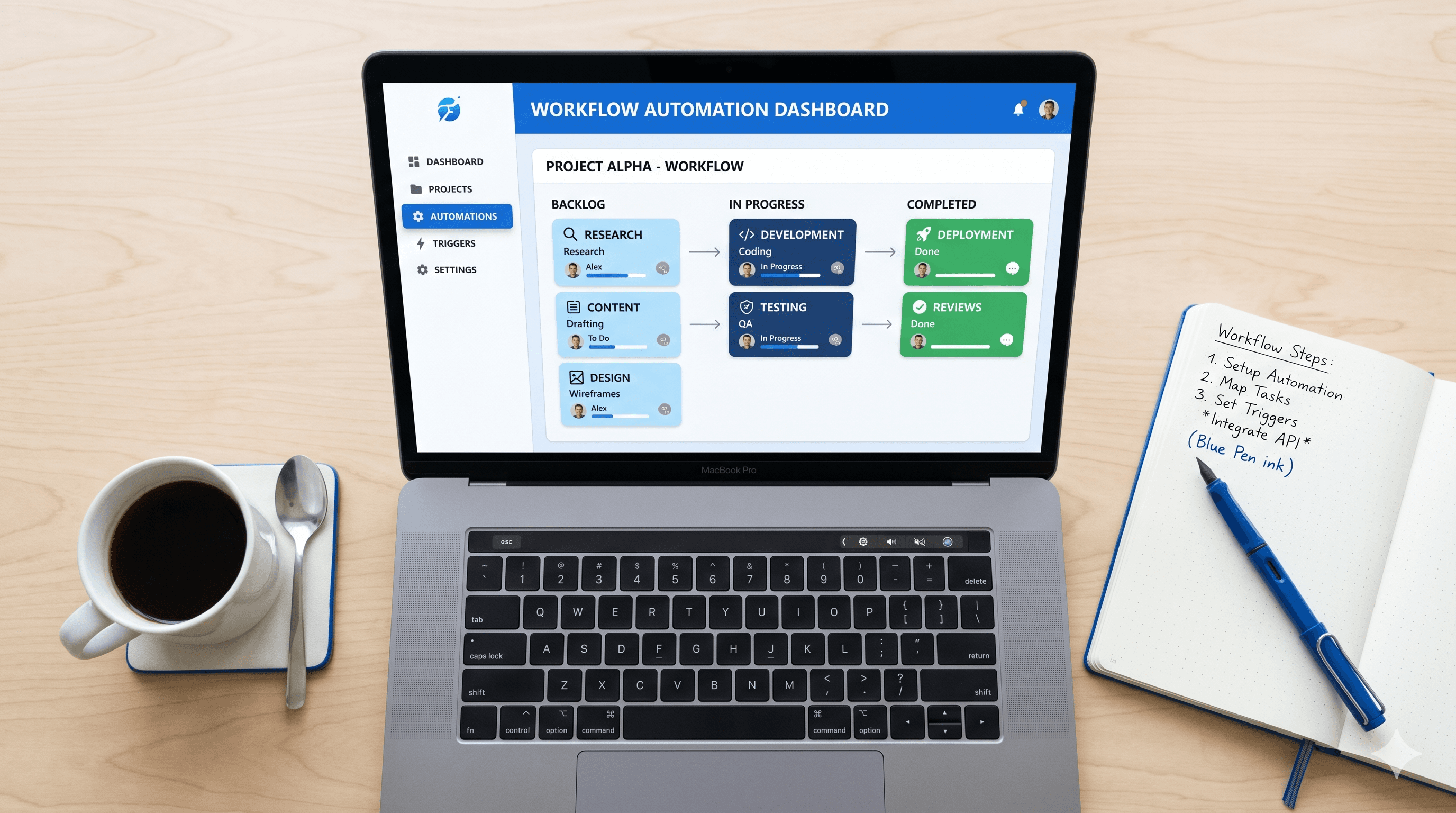
Analysis of existing workflows, identification of main pain points, then step-by-step automation with a no-code workflow tool. No new software, no IT department — just existing tools intelligently connected.
Assessment
The Result
Daily task management now runs fully automatically. The team saves over 2 hours daily, tasks no longer get lost, and status is visible to everyone at all times.
Project Documentation
Tools Used
- ◆Process Automation
- ◆AI
- ◆SME
Automated Process
- ◆Request via form
- ◆Automatic recording
- ◆Rule-based assignment
- ◆Automatic notification
Results
- ◆2 hrs. — Saved daily
- ◆−90% — Error rate
- ◆< 4 wks. — Payback
Similar project at your company?
Let's find out in 30 minutes how much time and money you can save through automation.
Book a free call